Written by Michal Hašek, Wednesday 22 July 2026
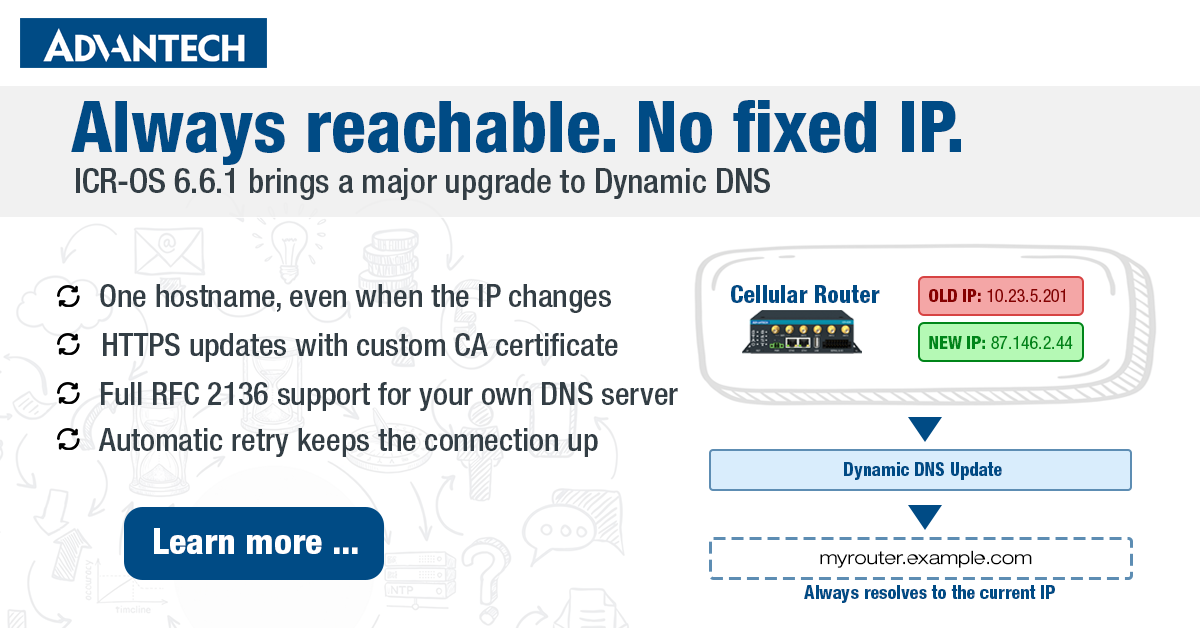
Every device connected to the internet has an IP address. The problem is, for most cellular connections, that address isn’t fixed – it changes whenever the connection drops and reconnects, or when the mobile provider decides to reassign it. For anyone who needs to reliably reach a router from the outside – to check on a remote site, pull data, or manage the device – that’s a real obstacle.
Dynamic DNS solves this by keeping a domain name continuously pointed at the router’s current IP address, no matter how often it changes. ICR-OS 6.6.1 significantly extends this capability – adding HTTPS transport support, custom certificate authority support, and full RFC 2136 DDNS protocol support.
How Dynamic DNS works – the basics
The idea behind Dynamic DNS is straightforward. You register a hostname with a DNS provider – something like myrouter.example.com. The router monitors its own public IP address, and whenever it detects a change, it automatically notifies the DNS provider, which updates the record. Anyone connecting to that hostname always ends up at the right address, even if the underlying IP has changed ten times since yesterday.
The router detects IP address changes immediately. However, to avoid flooding the DNS provider with requests, updates are sent at most once per minute. In practice, this means that after a reconnect or IP reassignment, the DNS record is updated within a minute – fast enough for the vast majority of remote access scenarios.
One important prerequisite: this only works if the cellular provider assigns the SIM card a public IP address. Many mobile providers use carrier-grade NAT, where multiple customers share a single public IP – in that case, Dynamic DNS won’t help, because there’s no unique public address to point to.
Two protocols, two use cases
Advantech ICR routers now support two distinct Dynamic DNS protocols, each suited to different scenarios.
DynDNS (HTTP API)
This is the classic approach – the router calls a web-based API at a third-party DNS provider whenever its IP changes. Services like freedns.afraid.org, duckdns.org, or noip.com work this way. It’s simple to set up and widely supported. As of ICR-OS 6.6.1, updates can be sent over HTTPS, encrypting the communication with the provider. You can also supply a custom CA certificate, which allows the router to verify the identity of a private or self-hosted DNS update server – useful in enterprise or industrial environments where traffic must stay within a controlled infrastructure.
It’s worth clarifying what “DynDNS” actually refers to, since it often causes confusion. DynDNS is not a generic protocol name – it’s the name of the company (Dyn, Inc.) that first offered this kind of service, and whose update protocol went on to become the de facto industry standard. Other DNS providers later built compatible services around the same basic idea, and some introduced their own tweaks or extended versions along the way. All of these still run over HTTP or HTTPS and look broadly similar from the outside, but the implementation details can vary from provider to provider. Advantech ICR routers support a wide range of DynDNS providers, but always through the original, standard DynDNS protocol – proprietary extensions or provider-specific variants are not supported.
DDNS via RFC 2136
RFC 2136 is a standardized DNS update protocol that communicates directly with a DNS server – no third-party service required. Instead of calling an HTTP API, the router sends a DNS UPDATE message straight to an authoritative DNS server on your network. Authentication is handled via TSIG (Transaction Signature), a shared key that ensures only authorized devices can modify DNS records. This makes RFC 2136 a strong fit for organizations running their own DNS infrastructure, where relying on a public cloud provider is not desirable or permitted. Note: RFC 2136 support is available on all ICR models except ICR-20, ICR-24, ICR-25, and ICR-2600.
Configuration on Advantech routers
Dynamic DNS is configured under Services → Dynamic DNS. The key settings are:
- Hostname – the fully qualified domain name you’ve registered with a DNS provider (e.g., myrouter.example.com)
- IP Mode – choose between IPv4, IPv6, or dual-stack IPv4/IPv6 updates
- Service – select DynDNS (HTTP API) for third-party providers, or DDNS (RFC 2136) for direct DNS server updates
- Server – the update server address; for DynDNS, this defaults to members.dyndns.org if left blank; HTTPS URLs are supported
- Skip Certificate Verification – when checked, the router skips validation of the server’s SSL/TLS certificate. The connection is still encrypted over HTTPS – only the server identity check is bypassed. Useful for testing or self-signed certificates, but should be avoided in production.
- CA Certificate – optional; paste a PEM certificate or load from file to verify a custom HTTPS update server (DynDNS only)
- TTL – Time to Live for the DNS record; defaults to 60 seconds, adjustable between 5 and 86400 seconds (RFC 2136 only)
- TSIG Key – the shared authentication key for signing RFC 2136 update messages
The current status of the Dynamic DNS client – including the last update result and any error messages – is visible under Status → Dynamic DNS.
What happens when an update fails?
If a Dynamic DNS update cannot be delivered, the router retries automatically. Transient errors – like a temporary DNS failure or server overload – are retried after 10 minutes. Errors that suggest a configuration problem, such as an incorrect password or a non-existent hostname, cause the router to wait 24 hours before trying again, or stop retrying altogether until the configuration is corrected. This prevents unnecessary load on the DNS provider and avoids account lockouts.
When should you use which option?
The right choice depends on your infrastructure:
- If you need a quick, low-maintenance solution and are comfortable using a public DNS provider, DynDNS with HTTPS is the easiest path.
- If your organization runs its own DNS infrastructure and requires full control over DNS records without depending on third-party services, RFC 2136 is the better fit.
- If security is a priority and you’re connecting to a private update server, combine DynDNS over HTTPS with a custom CA certificate to ensure the connection is both encrypted and the server identity is verified.
Available now in ICR-OS 6.6.1
The expanded Dynamic DNS functionality is available on Advantech ICR routers running ICR-OS 6.6.1. The firmware is available for download on the Firmware page. For full configuration details, refer to the Configuration Manual.