Subscribe notifications to the tag:
Headline.

Written by Michal Hašek, Tuesday 13 October 2026
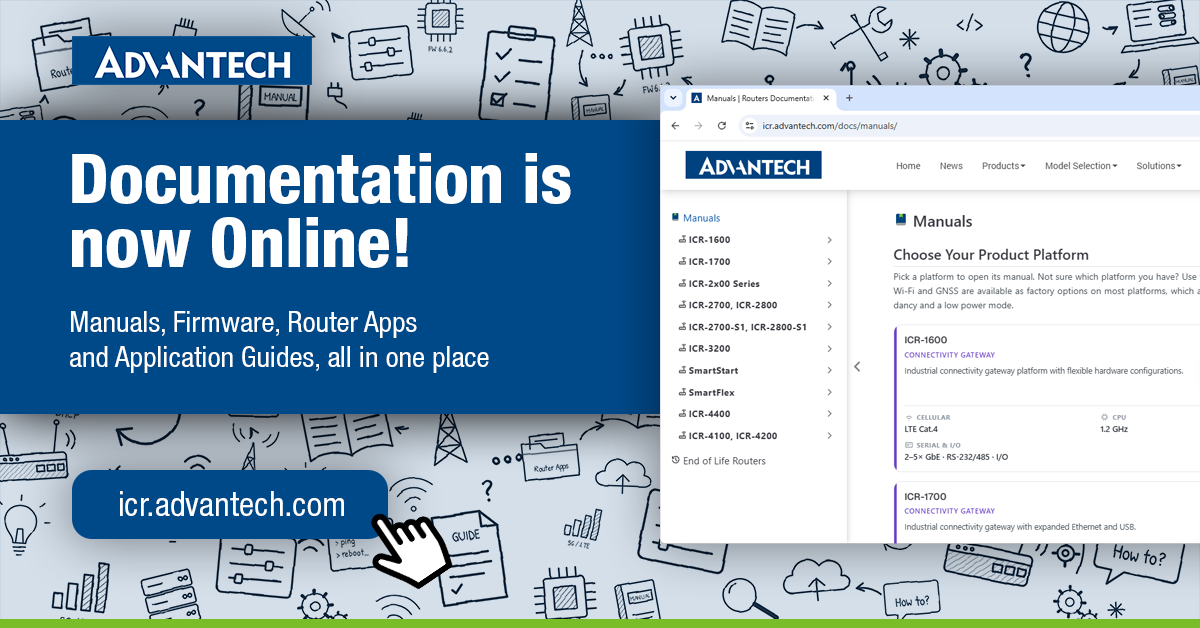
Until now, router manuals were PDF files on each product page: find your model, download the PDF, then search inside it. Since September, the documentation for all routers in production has become part of our website, integrated everywhere you need it: in the main menu and on product pages. Now that we’ve fine-tuned the details, we’re introducing it officially.
✔ Manuals for all current router families, versioned by firmware with the latest shown first
✔ Firmware with the latest version for every model
✔ Router Apps and Application Guides
Every manual opens right in your browser, on a desktop or a phone, with no file to download. A side menu takes you between chapters, and a version picker switches to the documentation for an earlier firmware release. Need to point a colleague to a specific setting? Just share the link to that section.
To get you there faster, the main menu now has a Download section (Firmware, Router Apps, Application Guides, notifications) and a Resources section (Manuals, FAQ, support and policies). Product pages link straight to the online docs too.
End-of-life routers are not affected: their product pages keep the full archive of PDF manuals and firmware.
👉 Start with the manual for your router or the latest firmware for your model!